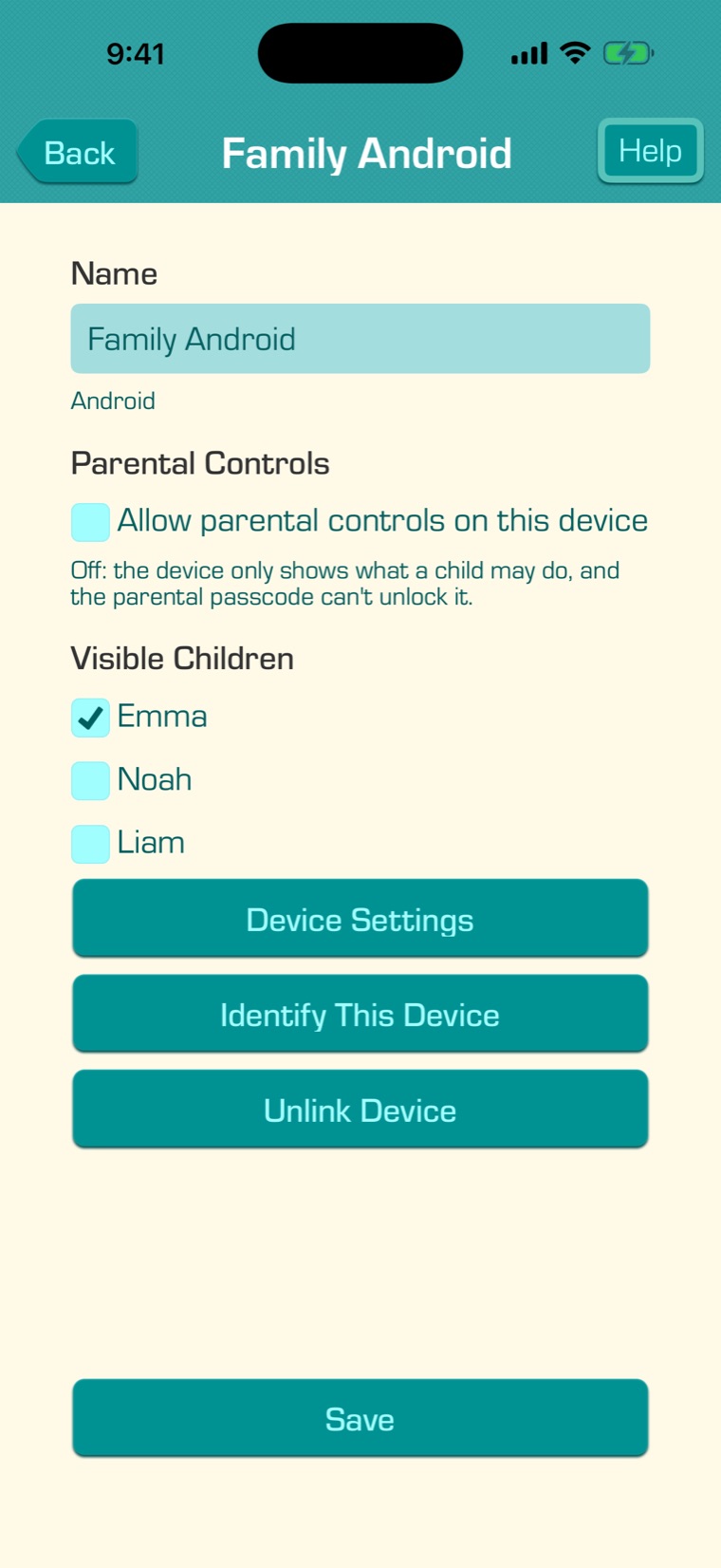
Choose the settings for your child’s device, then tap “Save”.
Give the device a name, like “Emma’s iPad”.
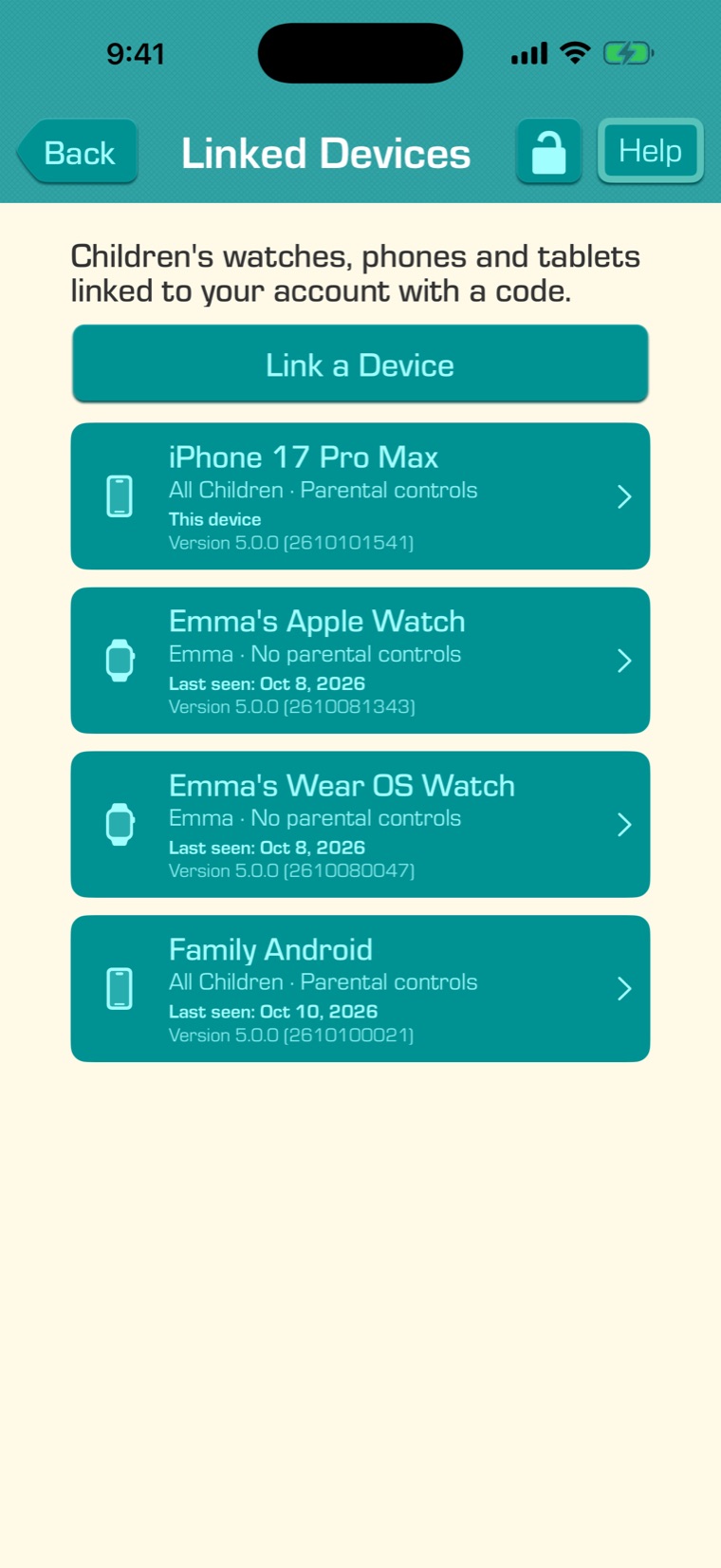
Leave “Allow parental controls on this device” unchecked on a child’s device. The device then only shows what your child may do, and the parental passcode can’t unlock it. (Check it for another parent’s device.)
Under Visible Children, choose which children the device shows.
“Device Settings” changes the device’s language, appearance, notifications and more from your own device.
“Identify This Device” shows a message on the device, so you know which one it is. “Unlink Device” signs the device out of your family’s account.
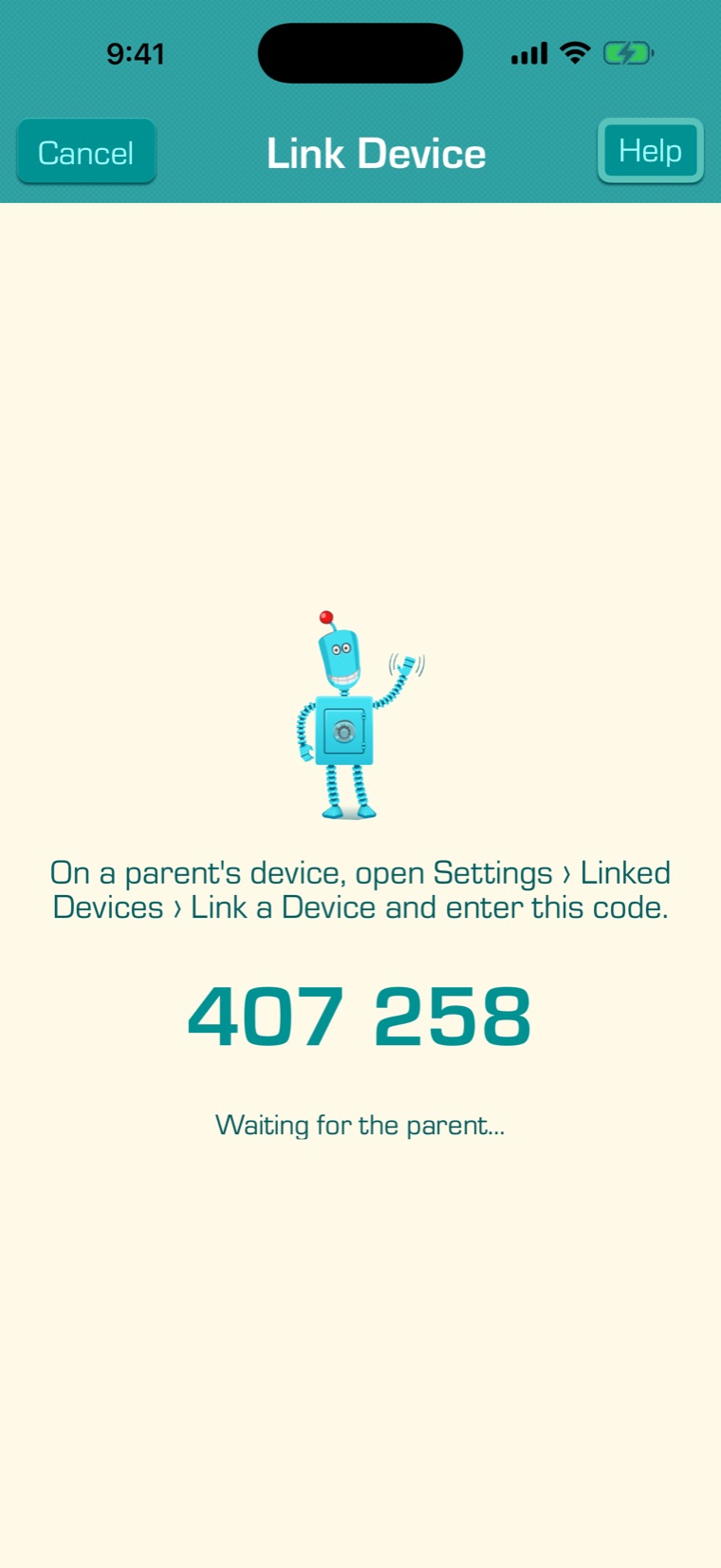
Apple Watch and Wear OS watches are linked the same way: open the app on the watch to see its code. Watches are a Premium feature.