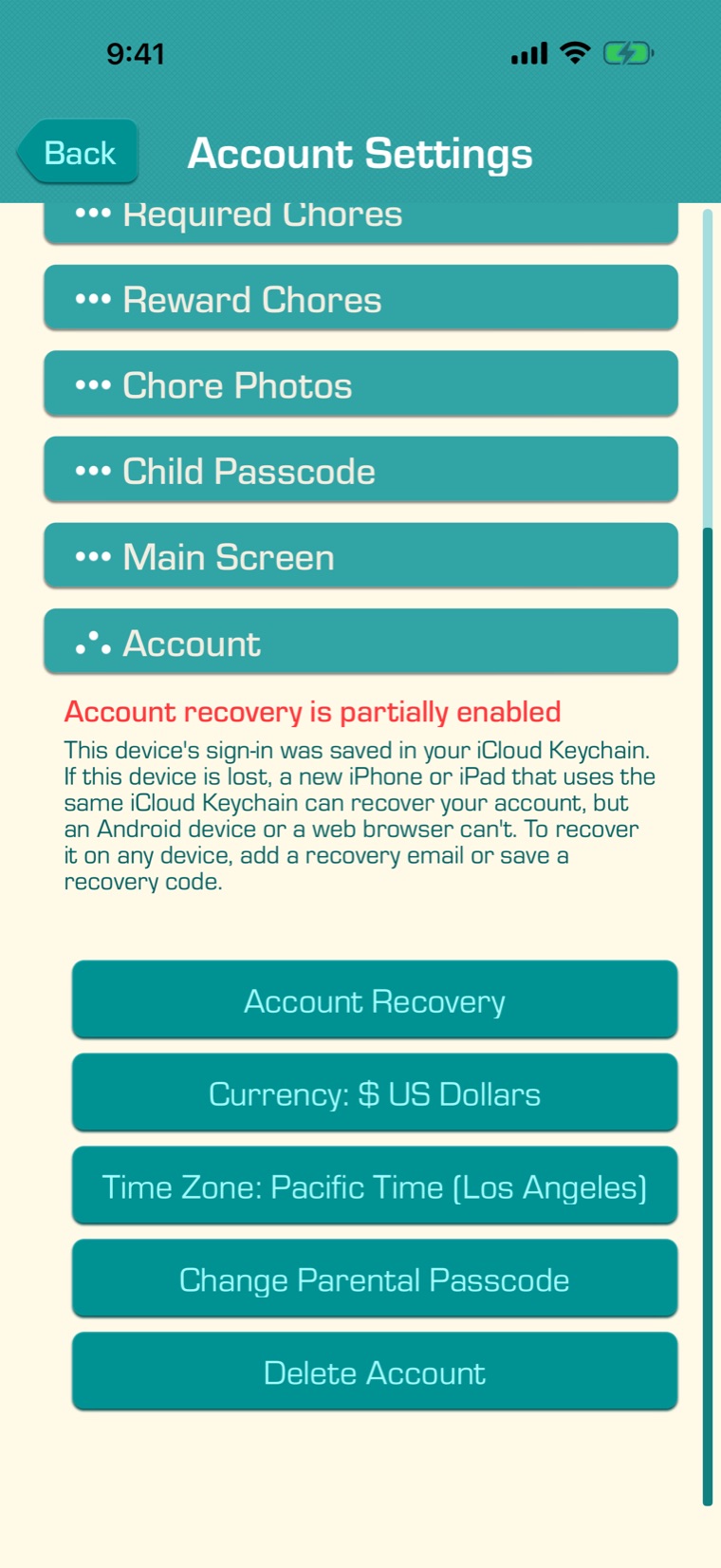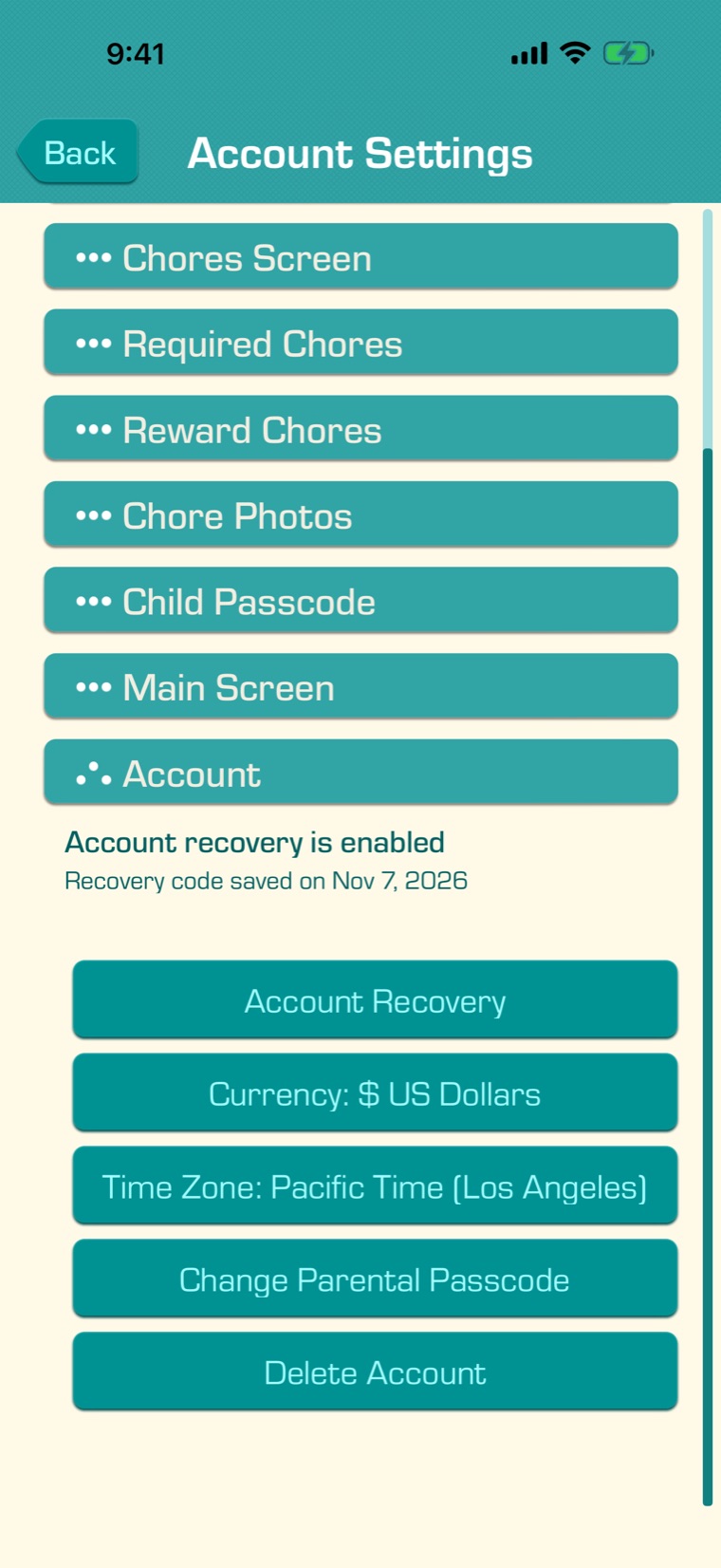
When you start with “Get Started”, your account doesn’t need an email or a password: each of your devices keeps its own sign-in. While one parent’s device still has the app, you can add any new device with a code (see Linking Your Child’s Device). However, if your parent’s device is lost, reset or replaced, the app is deleted from the device, or your browser’s data is cleared, then you will lose access to your account and there will be no way to recover it.
Chores & Allowance Bot gives you several ways to protect and recover your account:
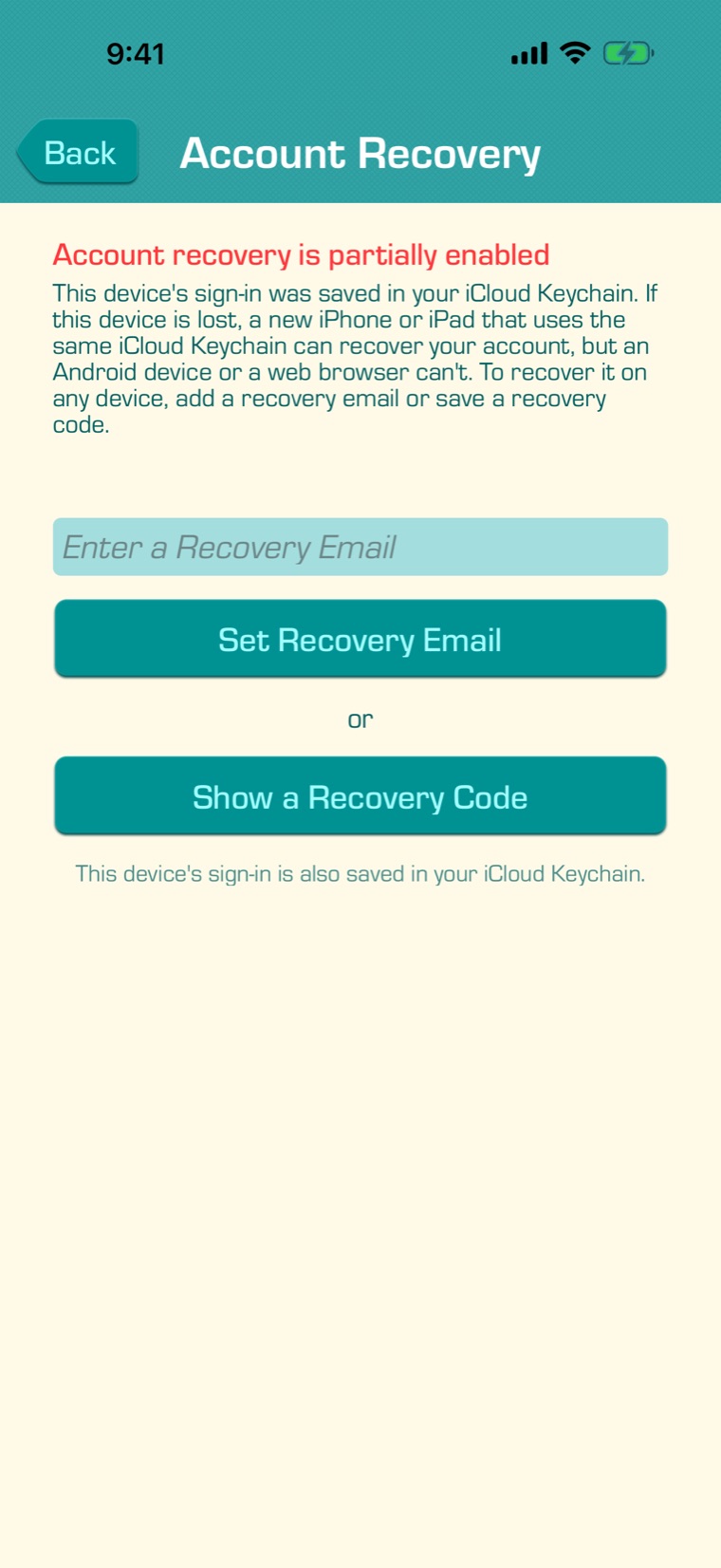
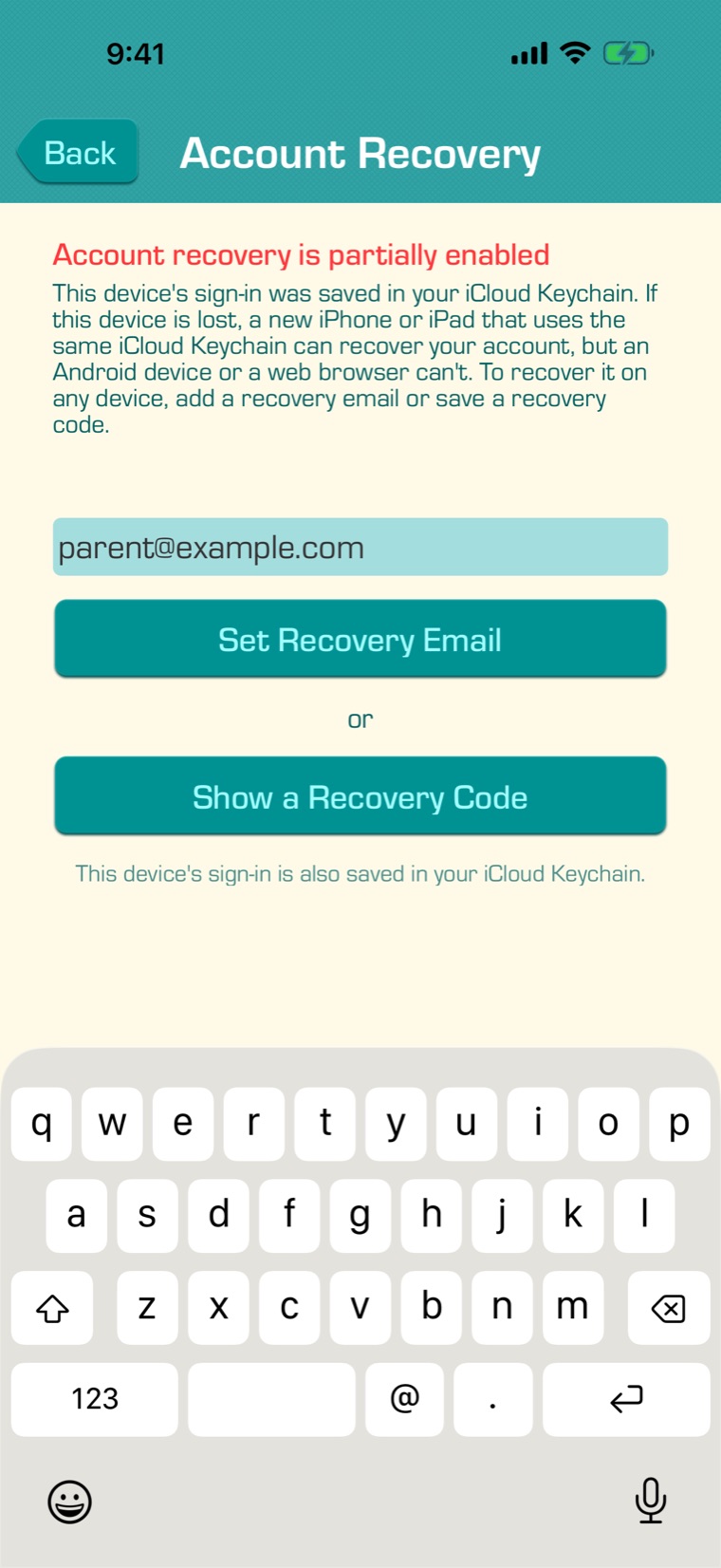
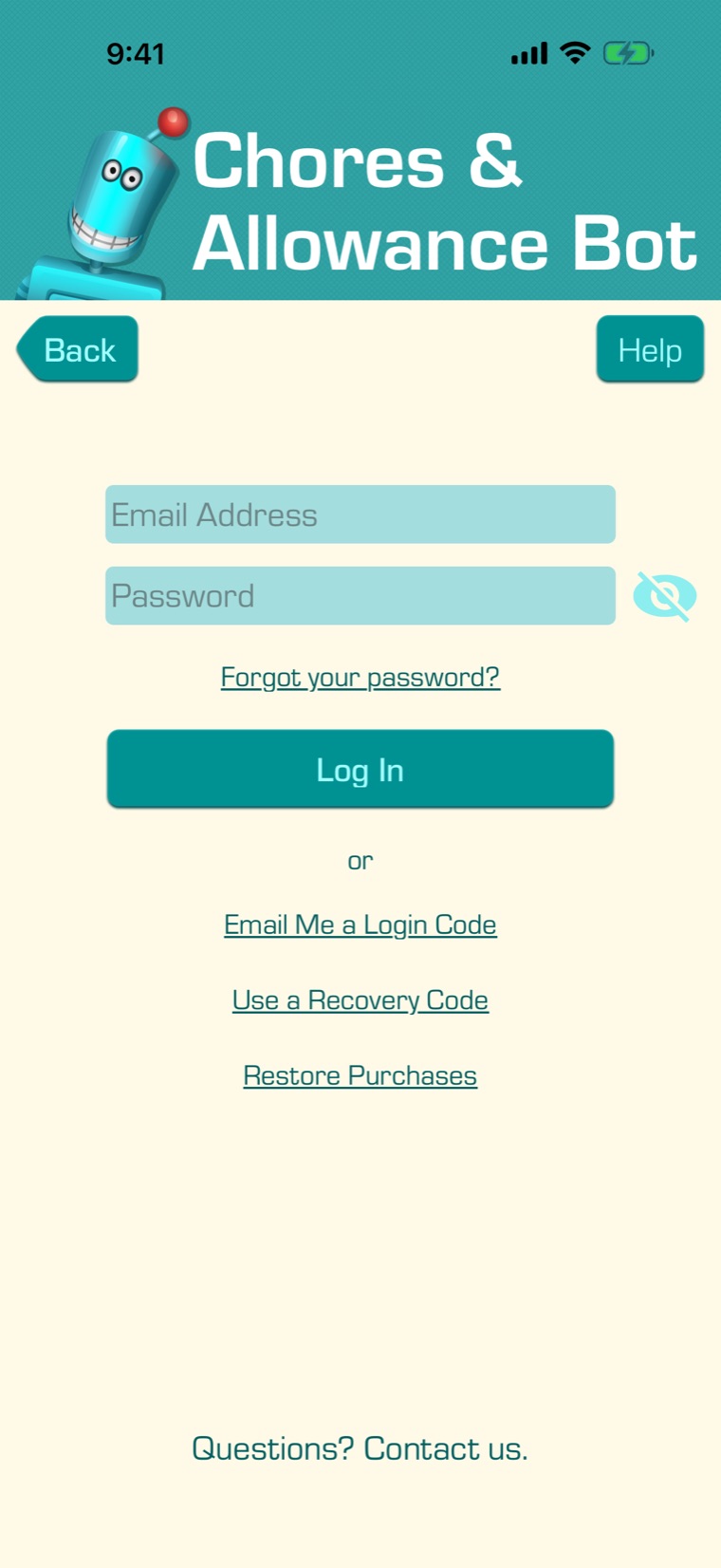
- A recovery email: on any device, the app emails you a code to log in.
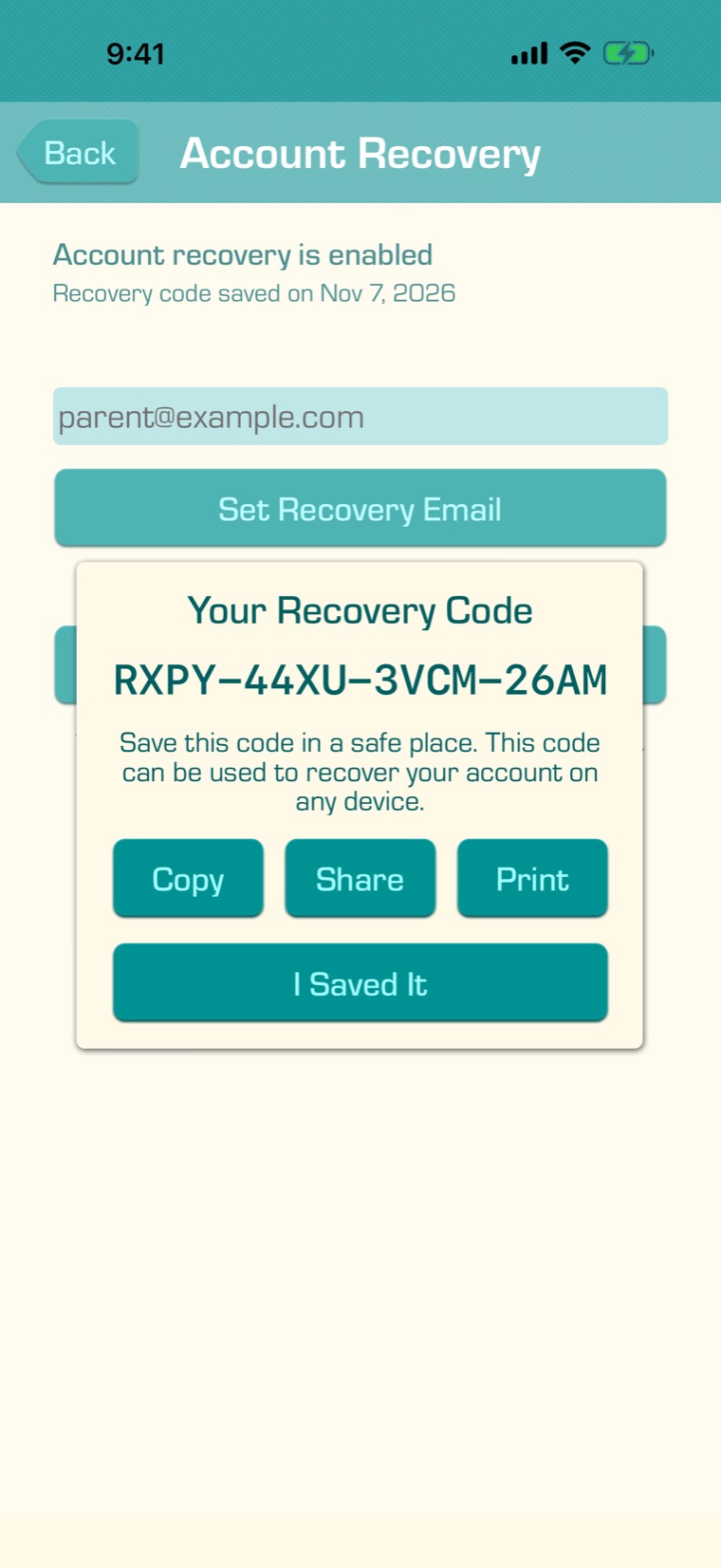
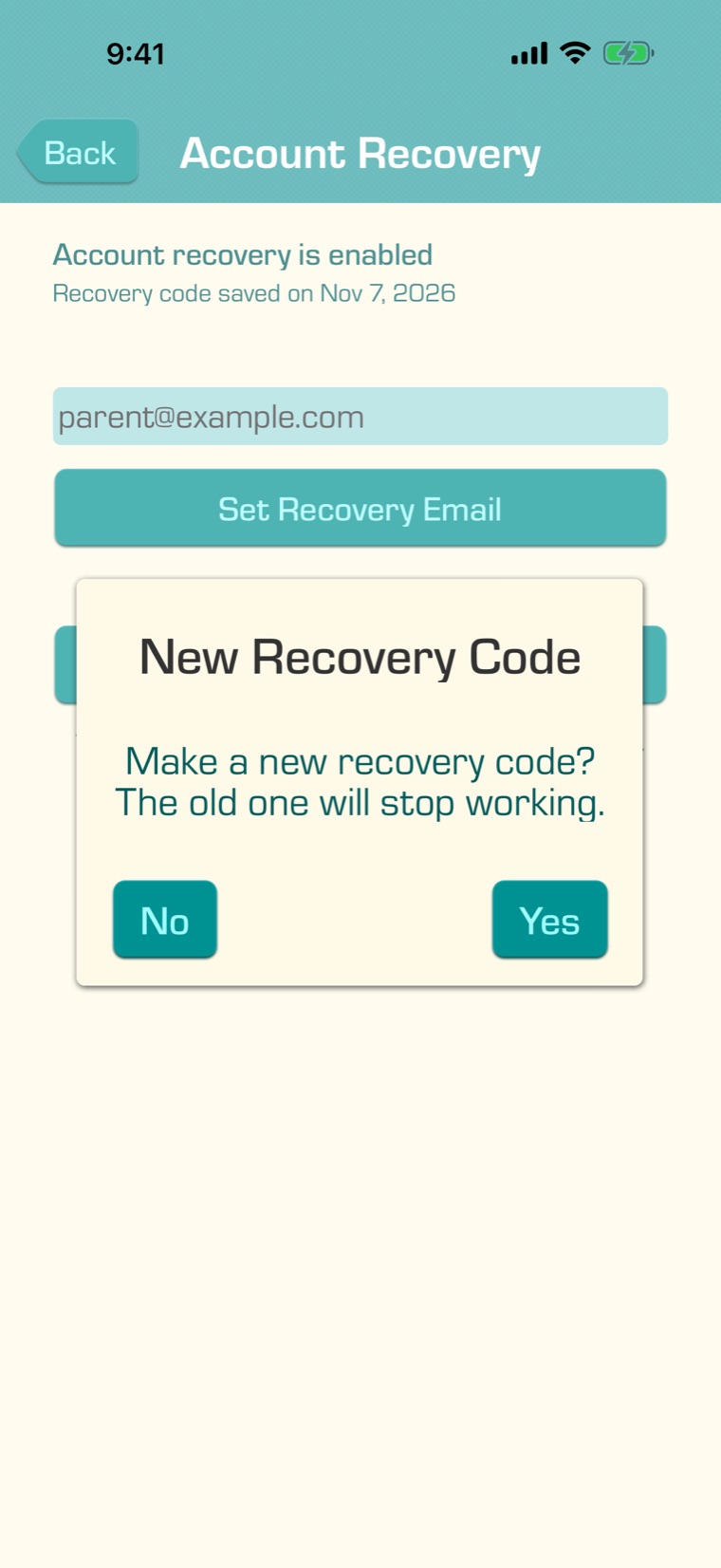
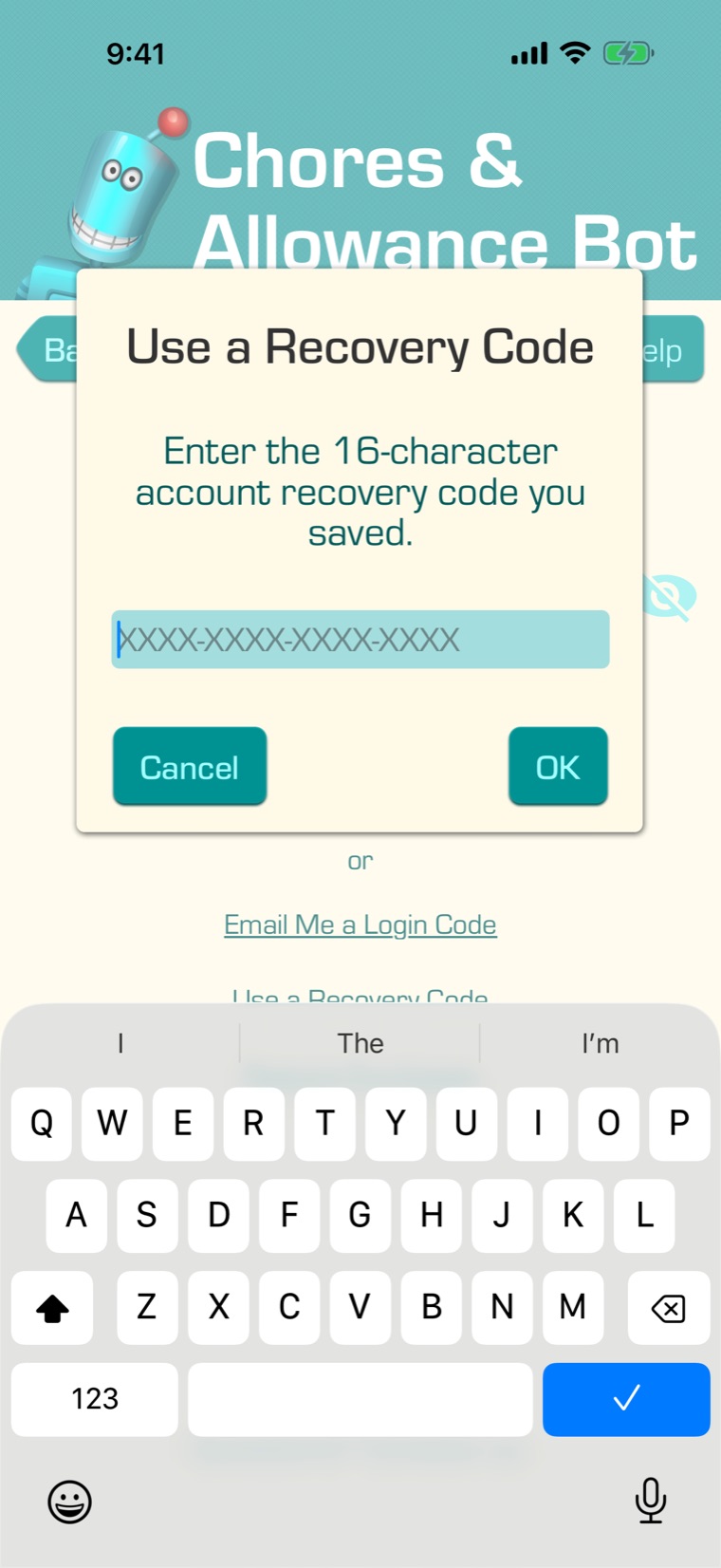
- A recovery code: a 16-character code you save. It works on any device.
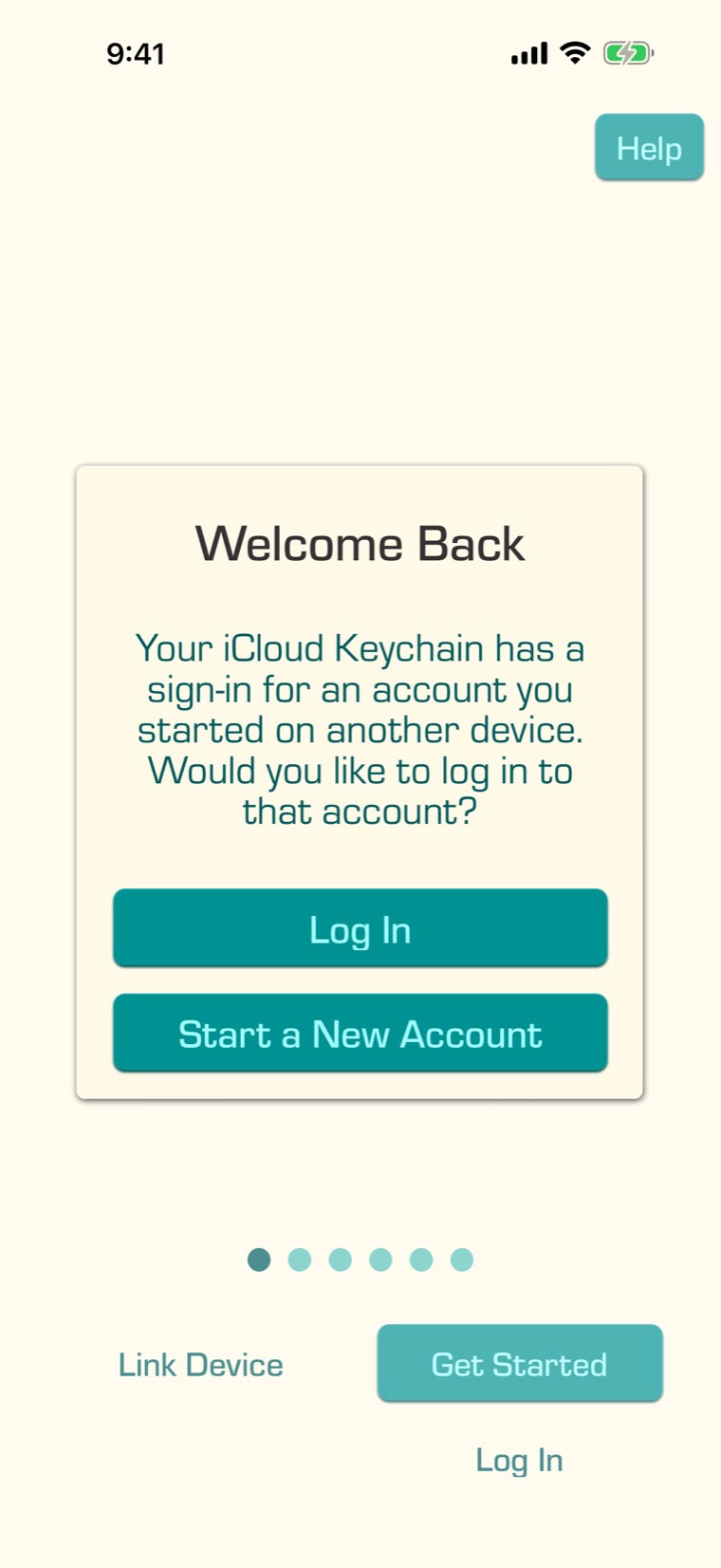
- iCloud Keychain or your Google account’s backup: a new iPhone or iPad that uses the same iCloud Keychain, or a new Android device set up from the same Google backup, finds your account by itself.
- Restore Purchases: if you bought Premium in the app, the purchase can find your account.
Add a recovery email or save a recovery code, or both: they work on every kind of device and in the web version. The app reminds you with an “Enable Account Recovery” card on the main screen once your children have chores, or after you link another device.