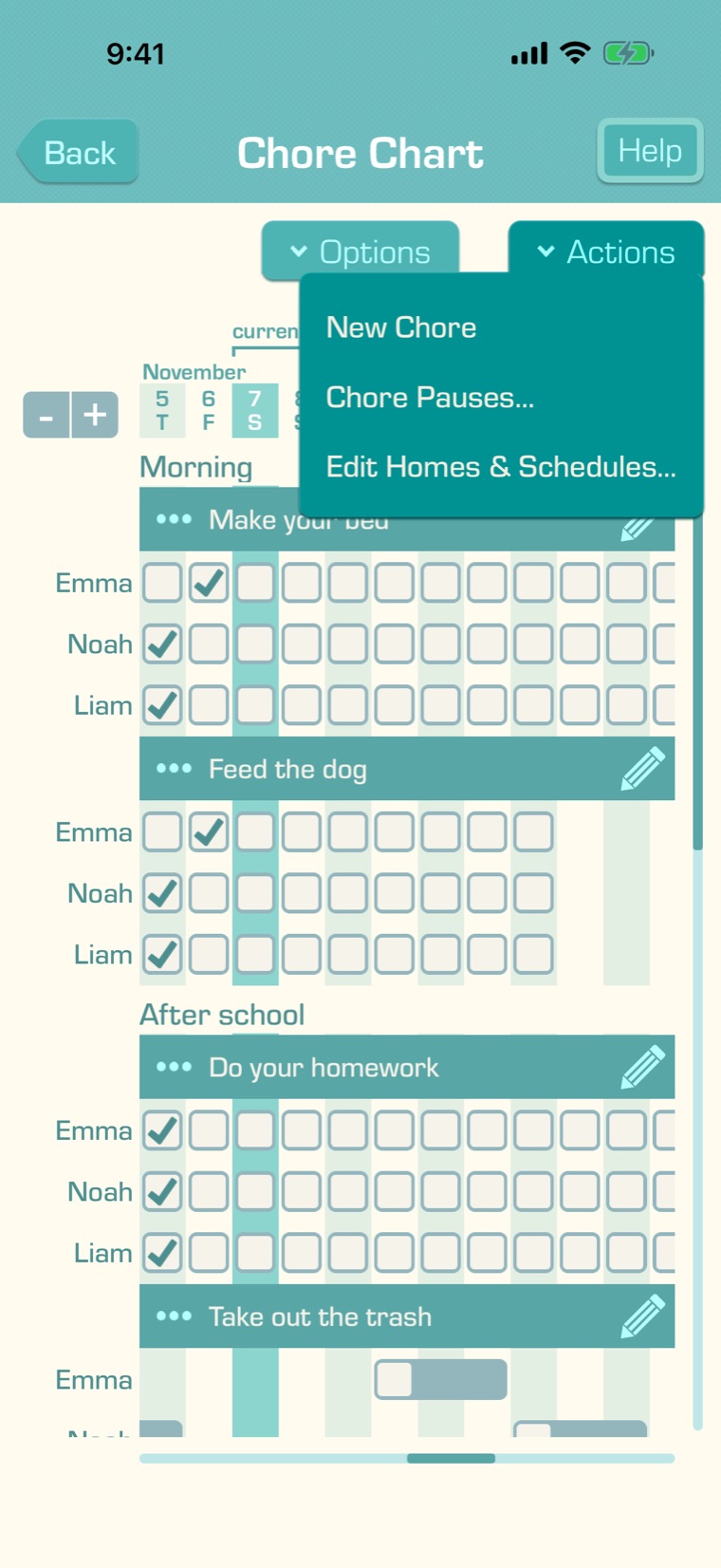
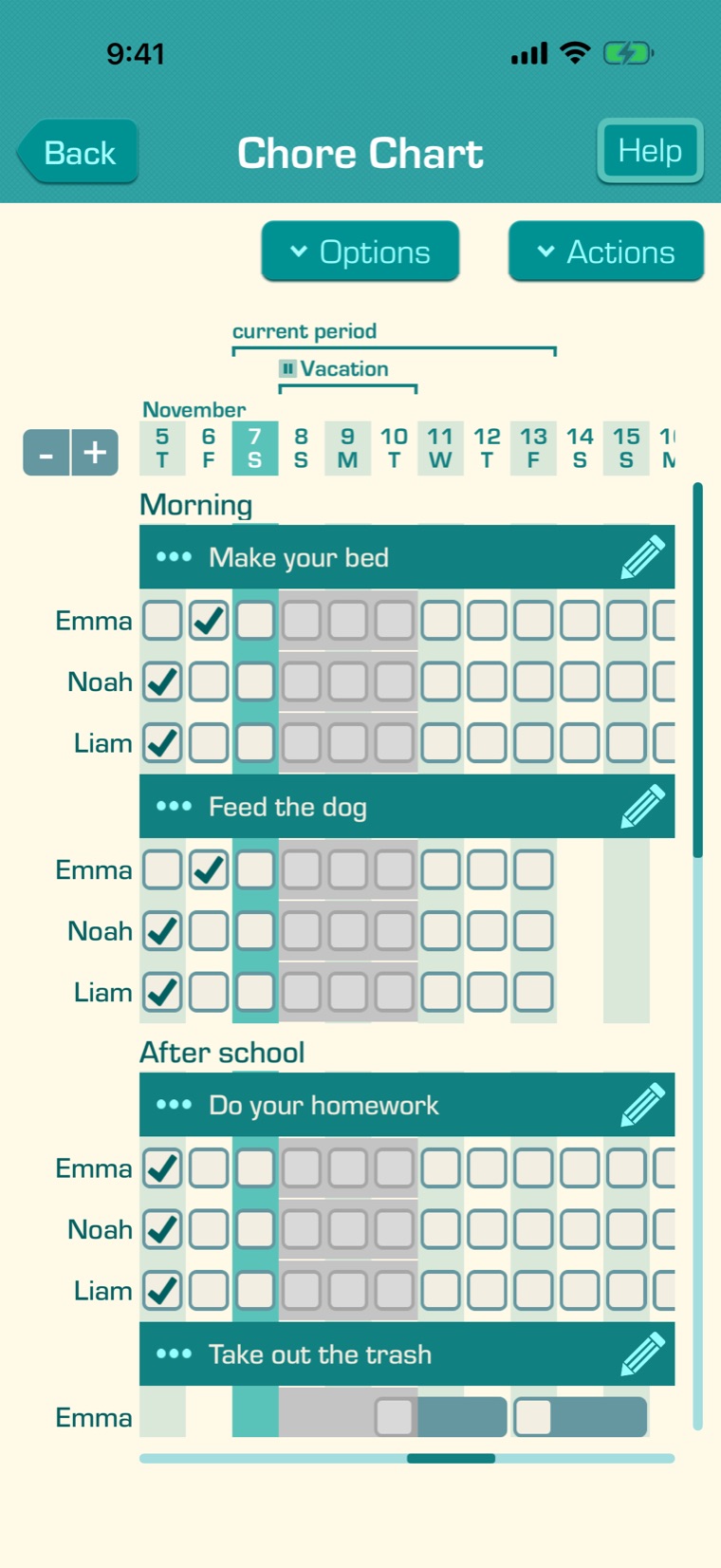
To change or end a pause, open the Chore Pauses list and tap it. Make your changes and tap “Save”, or:
- Unpause ends a pause that started before today. Its chores start again today.
- Delete removes a pause that starts today or later.
To pause just one chore quickly, tap its pencil in the Chore Chart or Assign Chores, then “Pause…”.
Pausing several chores, some of your children, or chosen days needs Premium. Without it, you can pause one chore at a time until you resume it. If your Premium subscription ends, pauses with dates still finish as saved, but repeating pauses stop until you have Premium again. You can always end or delete a pause.