Step by Step Guide

Reward and Up-For-Grabs Chores

Pay your children for extra chores, and offer chores that the first child to do them gets paid for. A Premium feature.

1

A Reward Chore pays an amount each time it’s done. An Up-For-Grabs Chore pays an amount too, but only one child can do it each day: the first one to check it off.

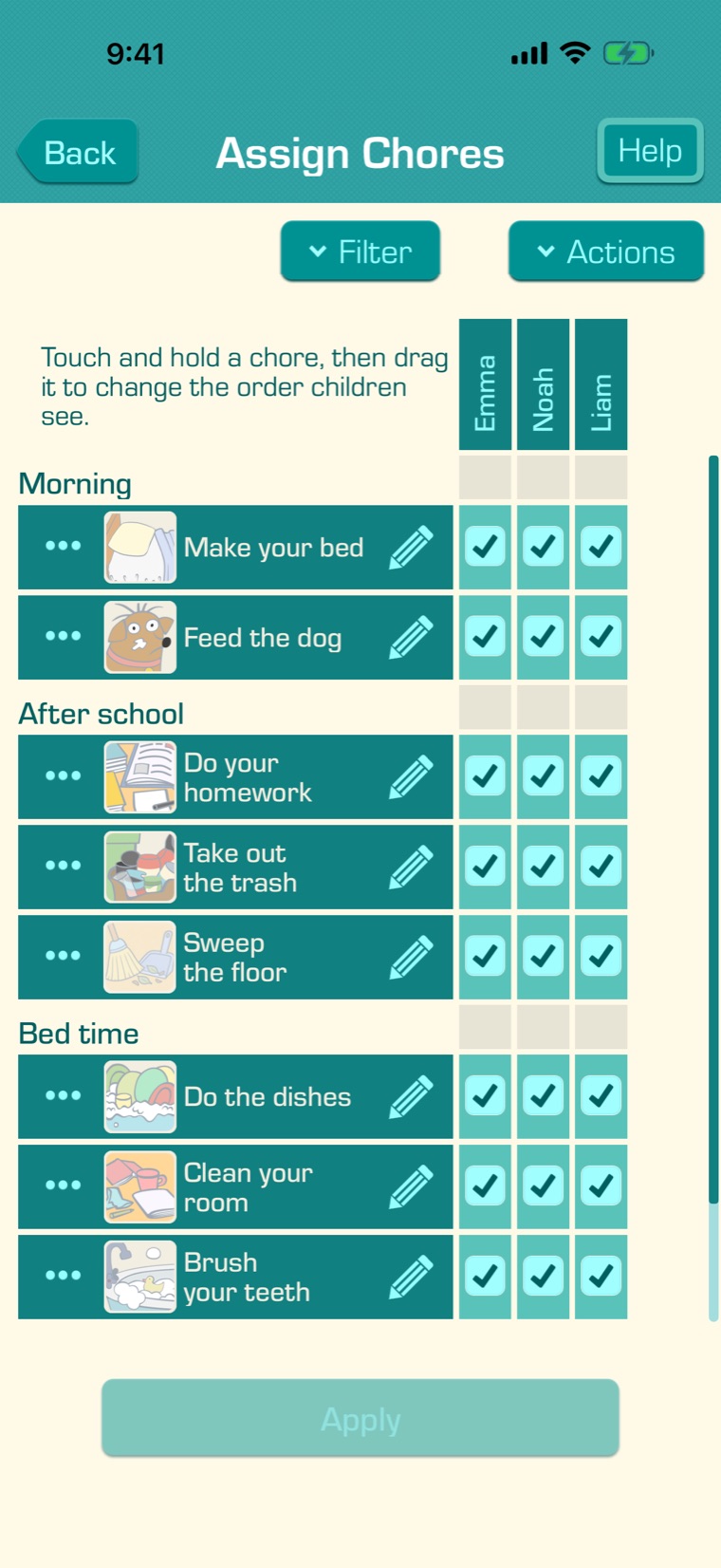
To make one, tap “Assign Chores” on the main screen, then “Actions”, then “New Chore”. To change a chore you already have, tap its pencil, then “Edit”.
2

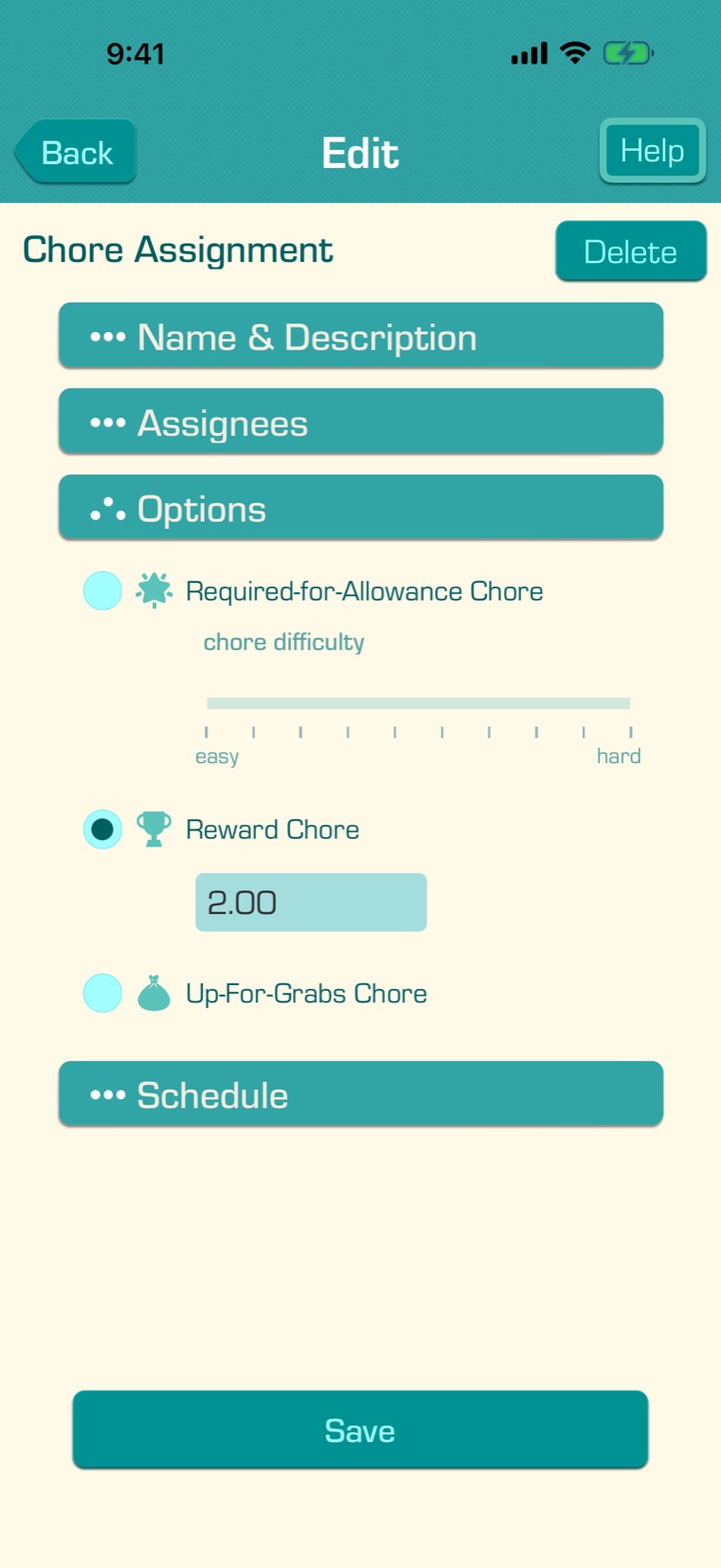
Open “Options” and choose “Reward Chore” or “Up-For-Grabs Chore”, and enter the payment.

3

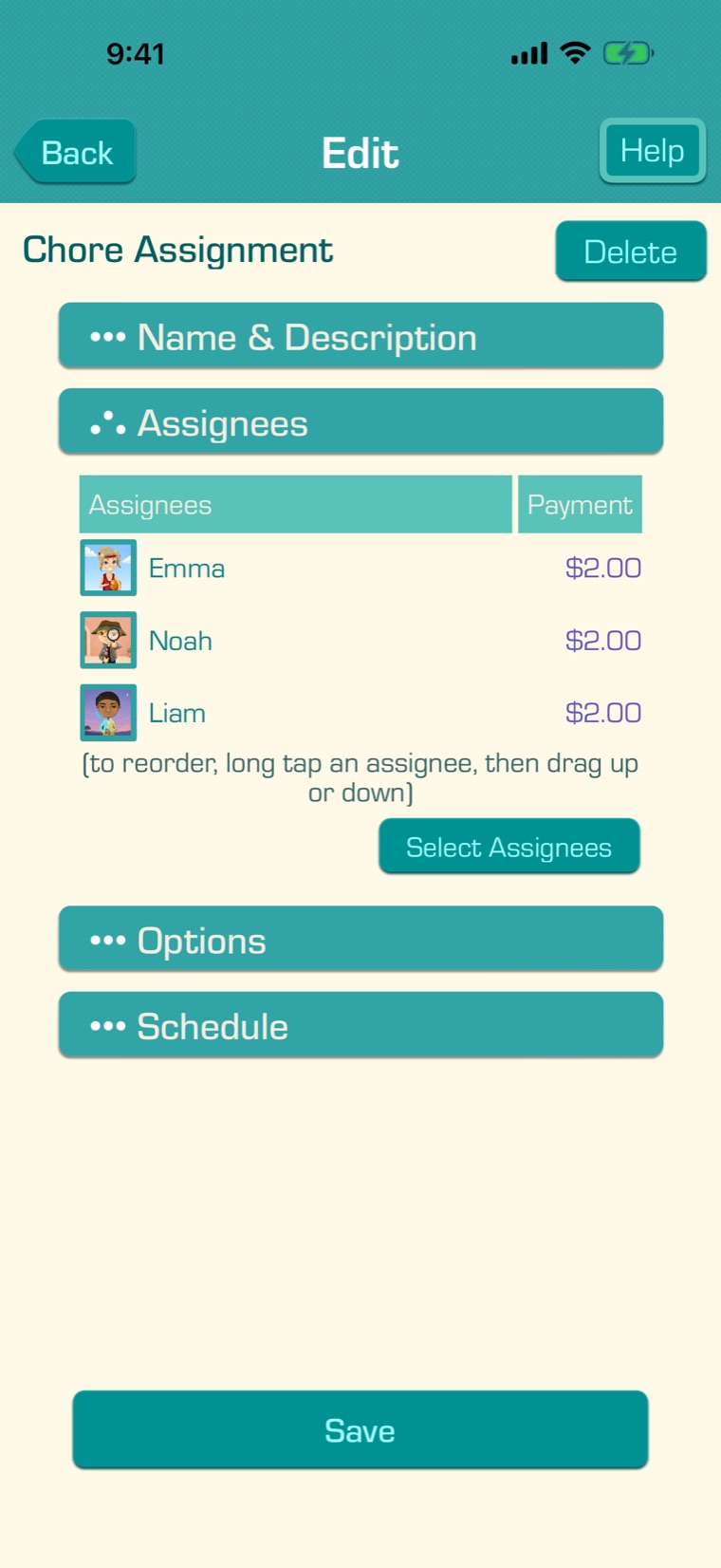
Open “Assignees” and choose the children. To pay one child a different amount, tap their amount in the “Payment” column. An Up-For-Grabs Chore needs at least two children.

4

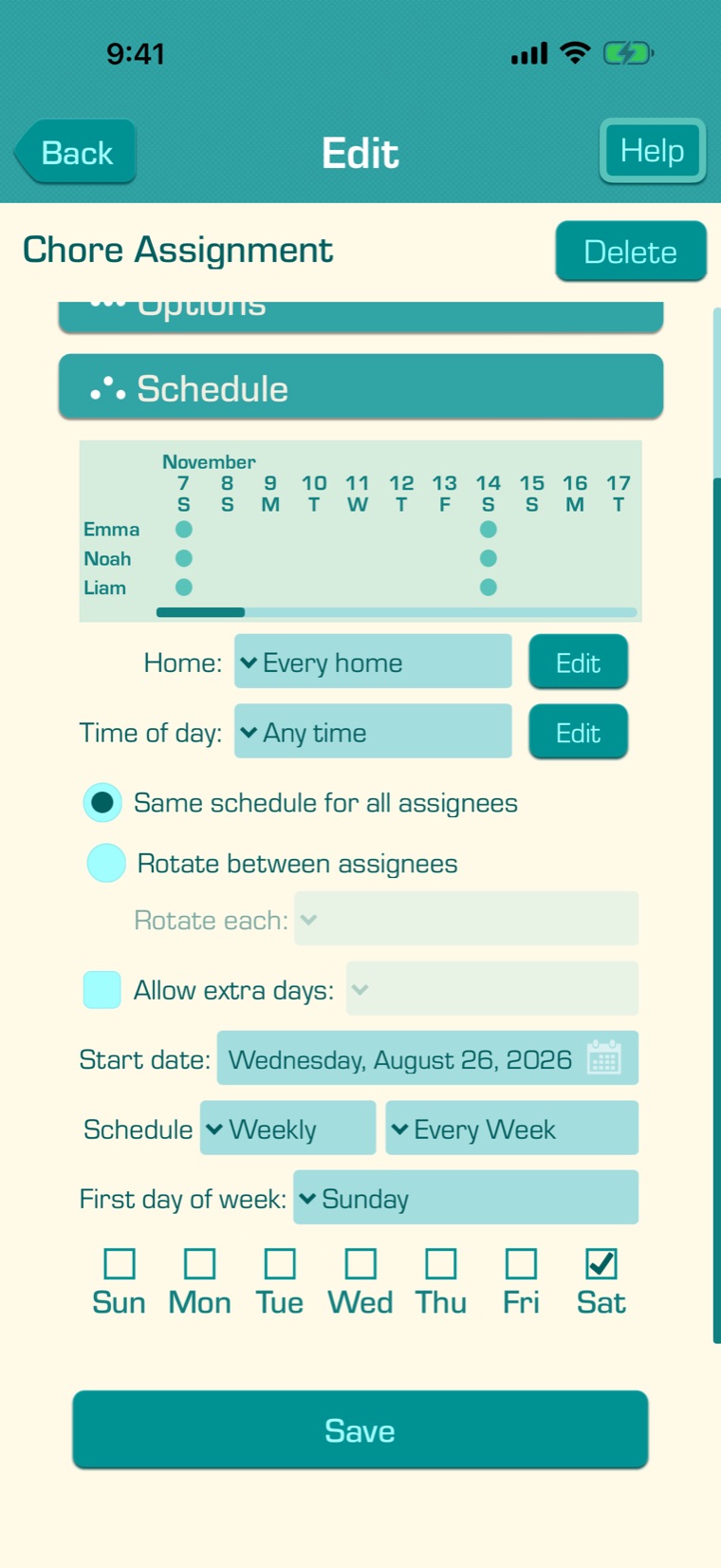
Open “Schedule” and choose when the chore is done, then tap “Save”. A Reward Chore can rotate between your children; an Up-For-Grabs Chore can’t.

5

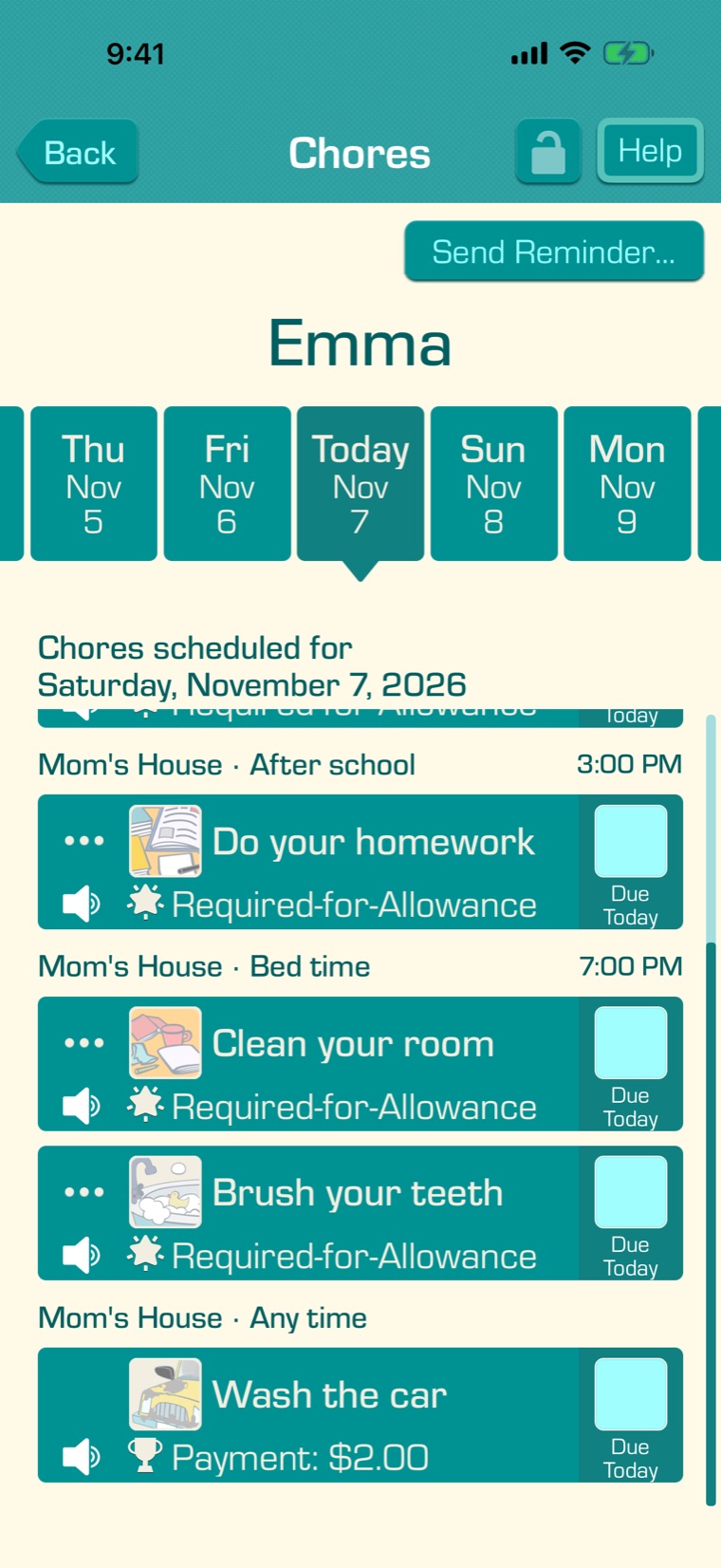
Your children see what each chore pays, like “Payment: $2.00” or “Up-For-Grabs: $2.00”. When one child does an Up-For-Grabs Chore, the others see “Done by: Emma” and can’t check it off. Up-For-Grabs Chores can’t be done ahead, on a future day.

6

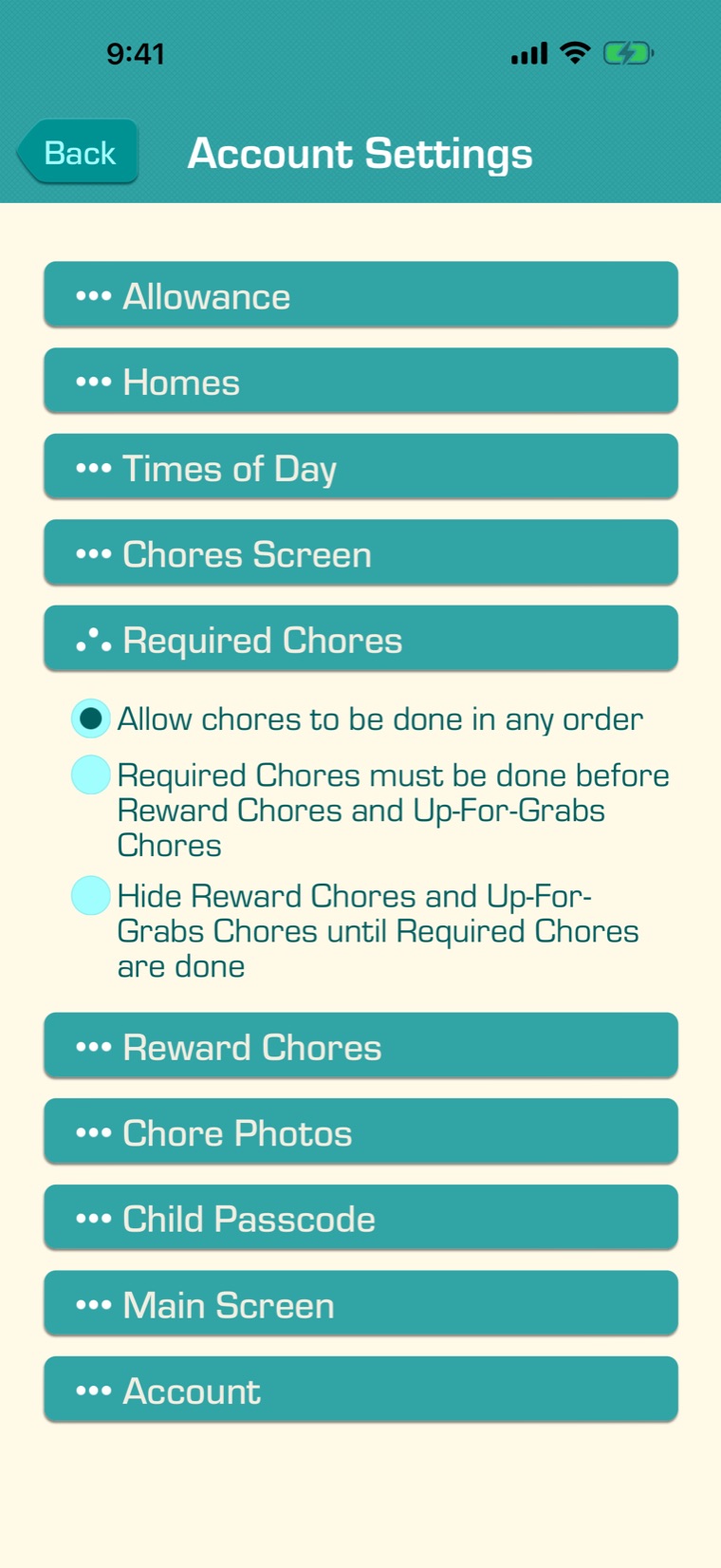
Choose whether Required Chores come first: in the Settings tab, under Account Settings, open “Required Chores”:

  • Allow chores to be done in any order.
  • Required Chores must be done before Reward Chores and Up-For-Grabs Chores: Required Chores are listed first, and a Reward Chore can’t be checked off until they’re done.
  • Hide Reward Chores and Up-For-Grabs Chores until Required Chores are done.

With Chore Times of Day, this applies within each time of day.

7

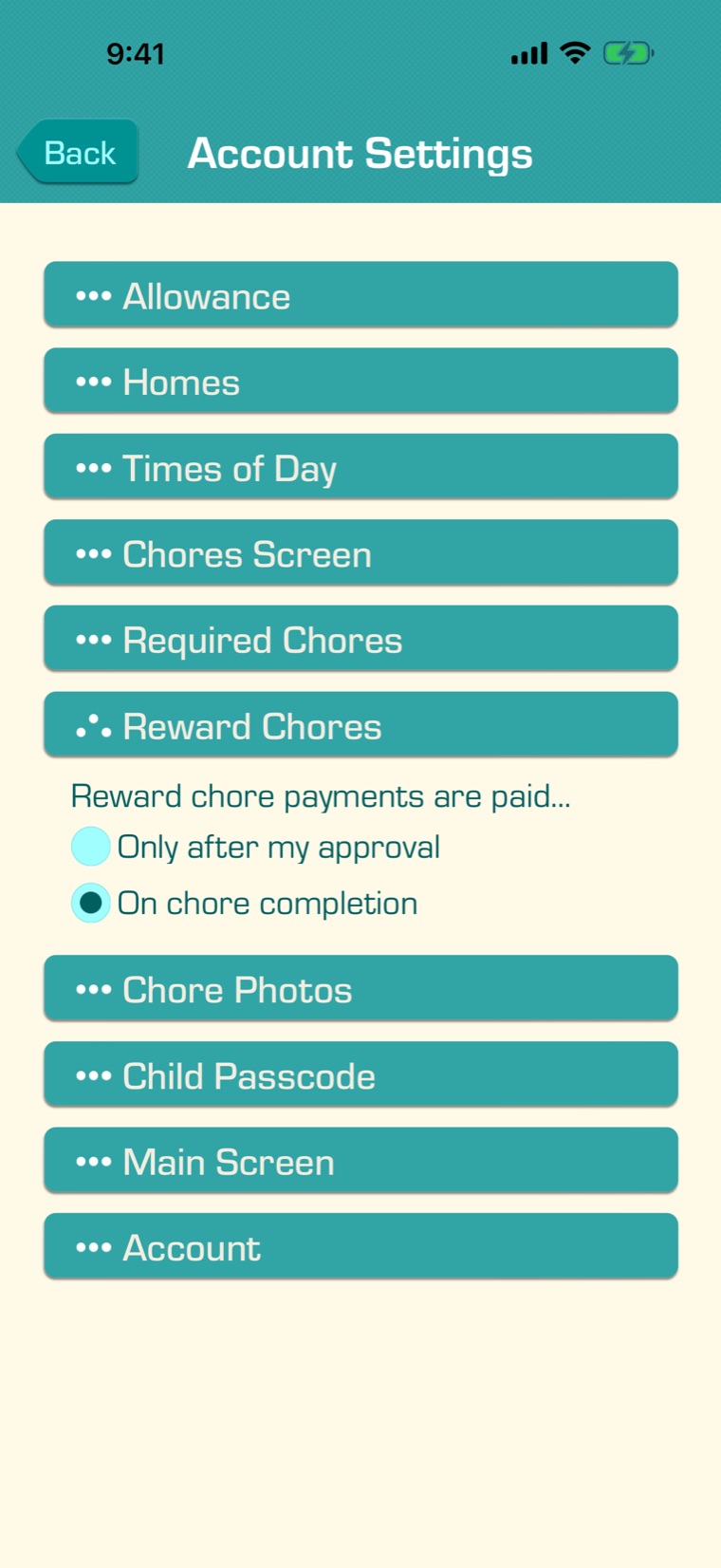
Choose how they’re paid: in Account Settings, open “Reward Chores”. With “Only after my approval”, each payment waits for you on the Payments screen (see Approving Allowance Payments). With “On chore completion”, it’s paid as soon as the chore is checked off. If a chore is unchecked, its payment is taken back.

With Chore Photos turned on, children can add a photo when they check off a chore (see Child Passcodes and Chore Photos).

8

Reward and Up-For-Grabs Chores are part of Premium. Without Premium, chores are Required-for-Allowance chores, and reward chores you’ve made aren’t given to your children until you have Premium again.